Free Rumble Video Downloader
The online Vidomon Rumble Video Downloader helps you download and save Rumble videos in high-quality MP4 format for free. It is a free video downloader with no bugs that lets users download videos from many websites. It provides a smooth download experience. Simply copy and paste the video URL into the video downloader.

Quick and Simple Video Downloader
Embrace the effectiveness and ease of use of our video downloader, which guarantees a simple and rapid procedure.

Superior, Stress-Free Experience
We are aware of how annoying it might be to download a video just to discover that it is of poor quality. We guarantee a hassle-free experience with excellent video quality because of this. You can use it for post-editing or just to enjoy it afterward.

All Platform Supported
Download and store Rumble videos on any operating system or browser. Vidomon is compatible with all operating systems, including Windows, iOS, Android, and iOS on PCs and tablets.

Cross-Platform Compatibility
Whether it’s Chrome, Firefox, Safari, or any other well-known browser, you can use it to browse the downloader based on your needs and preferences.

No Account Is Required
Vidomon does not want you to use the free Rumble downloader to create an account. Give the URL, then accept the download links!

Protected Downloads
We are serious about security. You can use our service with confidence knowing that your downloads are safe and secure with us.

Online Rumble Video Downloader
The internet video platform Rumble has recently drawn attention from the general population. You can download Rumble videos for free with Vidomon. You can use Rumble video downloader without having to register for an account, and it is free. So, make unlimited use of our services and have fun! Store your Rumble video in HD, MP4 or another high-definition format. Use our Rumble Downloader to obtain the best quality possible!
How to Use Vidomon Rumble Video Downloader
Using Vidomon Rumble Video Downloader is easy. Follow these simple steps:
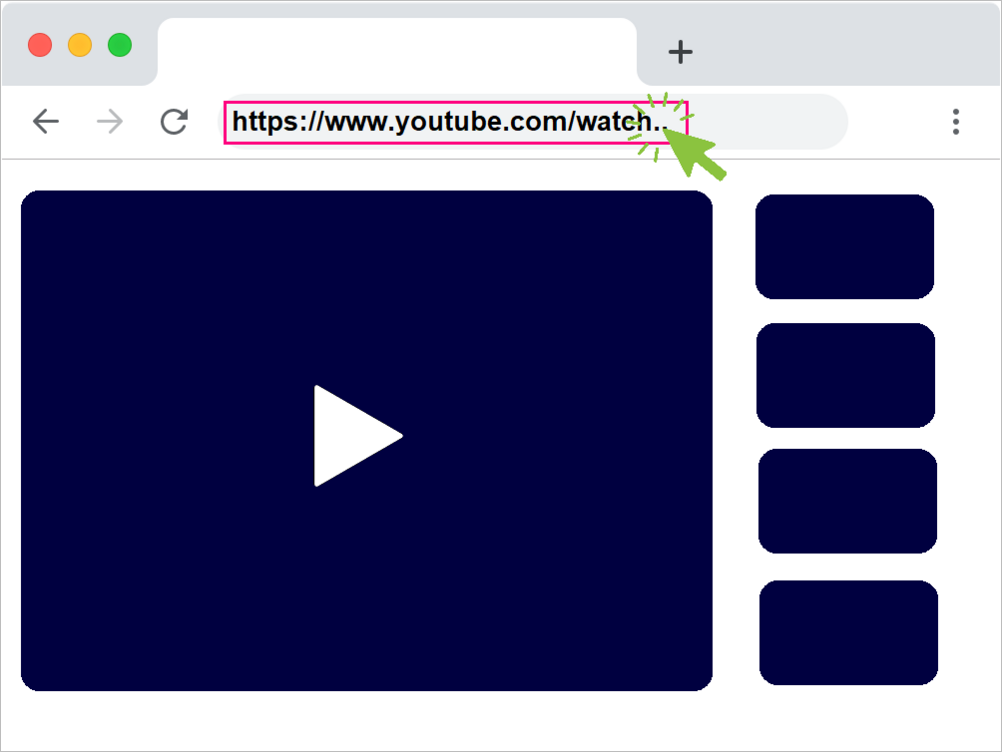
Copy the Video’s URL
Open the preferred Rumble video to download and copy the video’s URL. Next, copy the video link from the browser’s address bar or, if you’re using the Rumble mobile app, click the share URL button.
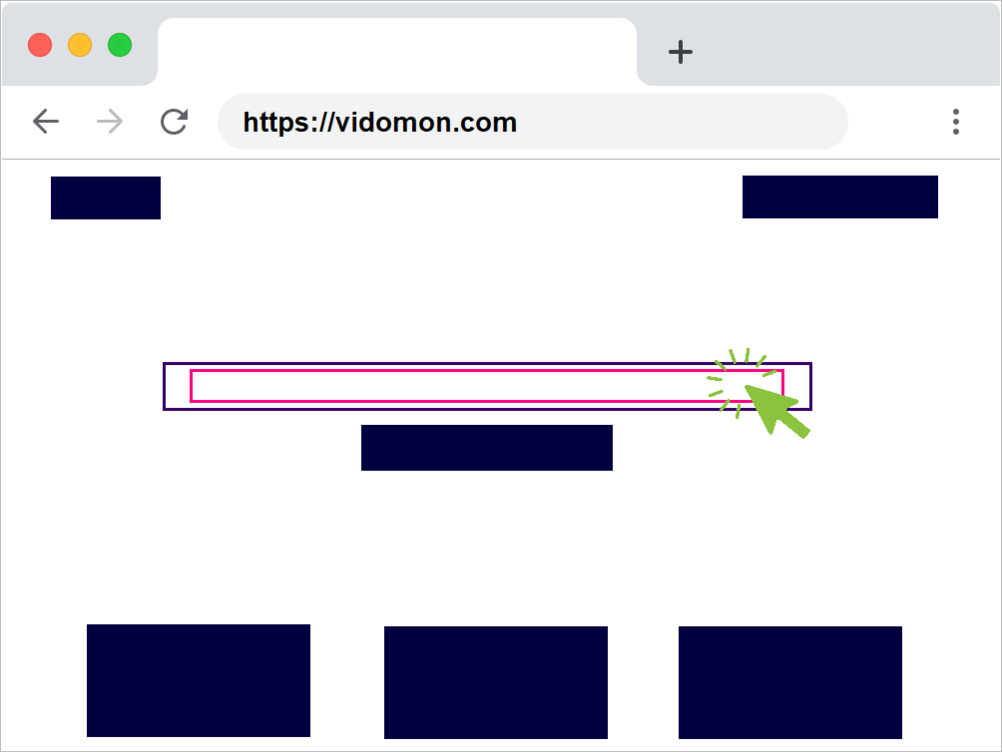
Paste the Rumble Video URL
Open the free Vidomon online Rumble video downloader. Paste the Rumble video URL. Then click the “Download” button in the upper section.
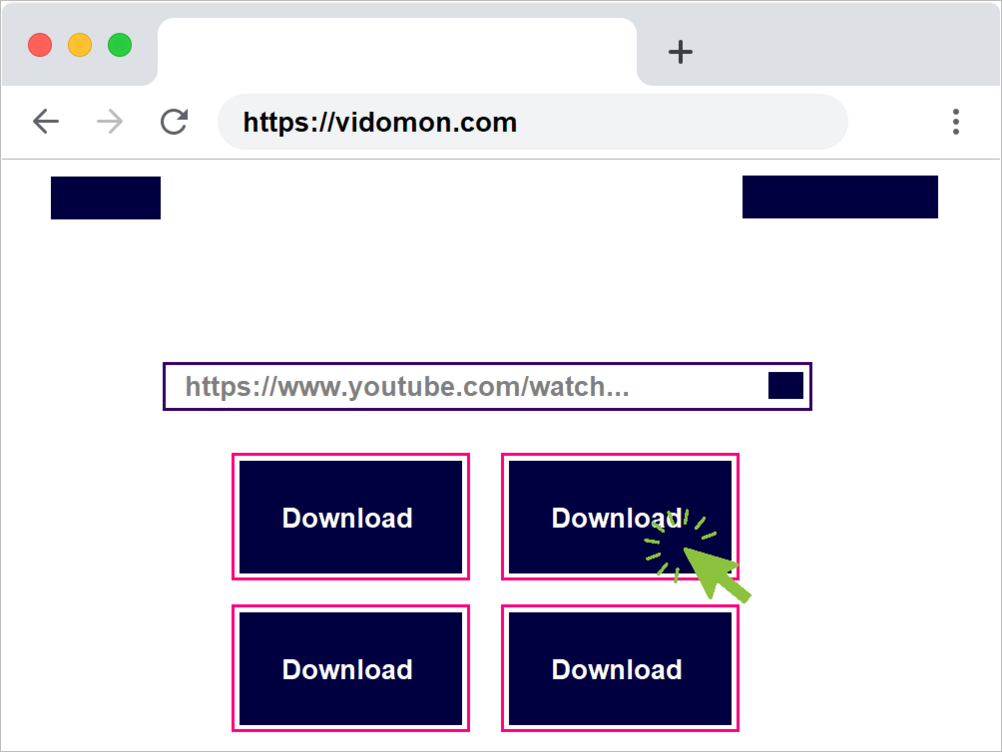
Download And Save
Every available format and quality will be shown. You can save Full HD files to your smartphone in various pixel sizes.
Frequently Asked Questions
How can I download Rumble videos online for free without software?
With Vidomon, you can download Rumble videos directly through your browser without installing any apps or software. Just copy the Rumble video link, paste it into Vidomon, and click Download.
What is the easiest way to save Rumble videos to my phone or computer?
The easiest way is to use Vidomon’s online Rumble video downloader. It works on mobile, desktop, and tablets. Paste your Rumble link, choose your preferred resolution (SD, HD, or Full HD), and save it instantly.
How Can i Download Rumble Videos?
Simply copy the Rumble video link, paste it into Rumble downloader and click Download button. Choose your quality, the video will be saved to your device.
How to download rumble videos for free?
You can download Rumble videos for free using Vidomon Rumble Video Downloader.
How to Download Rumble video MP4?
You can download Rumble videos in MP4 format using Vidomon Rumble Video Downloader by following these steps:
1. Open Rumble and find the video you want to save.
2. Click the Share button and copy the video link.
3. Paste the link into the download box and click Download button, select quality and the MP4 file will be saved to your device, ready to play on any media player.